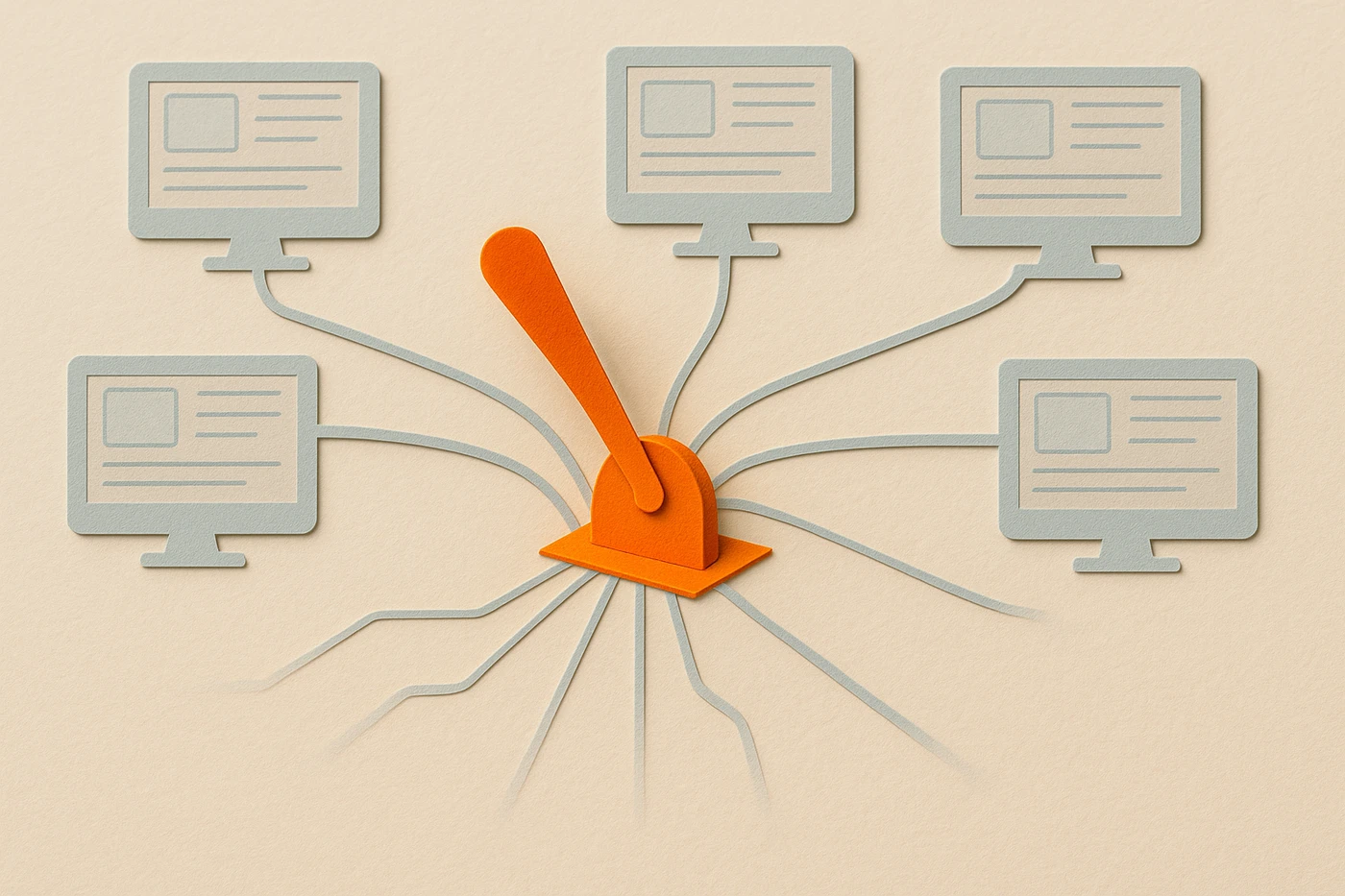
Server-driven UI is an architecture where a backend decides what a screen shows, its layout, its components, sometimes its copy, and the client renders whatever it's told instead of that screen being hardcoded into the app binary. I've made this trade more than once, on mobile products at WebMD and Medscape and later on platform work at Elsevier and Shadow Health, and the honest answer is that server-driven UI is a leverage tool, not a default. It buys you speed: change a screen without an app store review. It buys you consistency: one definition instead of three platform teams reimplementing the same logic slightly differently. What it costs is resilience and a debugging surface that now spans two systems instead of one.
What is server-driven UI?
Server-driven UI is an architecture where a backend describes what a screen shows, its layout, its components, sometimes its copy, and the client renders whatever it's told instead of that screen being hardcoded into the app binary. The server can change the screen without the client shipping a new build.
Think of the opposite first. In a client-owned UI, the screen's layout, its components, and the order they appear in are compiled into the app. Changing any of that means writing code, testing it, and shipping a new version through an app store review that, as of September 2026, still typically runs from a few hours to a few days even with expedited options. Server-driven UI moves that decision out of the binary and into a response the client fetches at runtime: a JSON payload, usually, describing which components to render and in what order. The client ships once with a generic rendering engine, and after that, the server decides what the engine draws.
How is server-driven UI different from a CMS page or a feature flag?
A CMS or a feature flag changes content or turns a pre-built path on and off inside code that already shipped. Server-driven UI goes further: the server defines the screen's actual structure, which components appear and in what order, not just which existing block gets swapped in or shown.
A tool like Firebase Remote Config or LaunchDarkly flips a boolean the client already knows how to handle: show variant A or variant B, both pre-built and shipped. Server-driven UI doesn't choose between two pre-built variants. It composes the screen from primitives at request time, which is a strictly bigger and riskier surface, because the server can now describe a screen shape nobody tested.
Why do teams adopt server-driven UI in the first place?
Teams adopt server-driven UI to change a screen without waiting on an app store review, and to define a layout once instead of three platform teams reimplementing the same logic slightly differently. The motivation is almost always release speed first, consistency second.
In the mobile products I worked on at WebMD and Medscape, waiting on app store review to fix a broken screen was its own kind of failure. A typo, a wrong price, a promotion that needed to end on a specific day, none of that fits comfortably inside a review cycle measured in days. Any pattern that let us push a fix without shipping a new binary was tempting for that reason alone, before consistency ever entered the conversation.
Consistency is the second reason, and it shows up later, usually after a team has three platform codebases quietly drifting apart. Engineers at companies like Airbnb and Lyft have written publicly about adopting server-driven UI for close to that exact reason, so a promotional banner or a pricing card renders the same way on iOS, Android, and web because one definition drives all three, instead of three teams interpreting the same spec slightly differently.
How does server-driven UI improve consistency across clients?
Server-driven UI improves consistency by making one team, usually backend or platform, own the definition of what a screen contains, so iOS, Android, and web render the same components from the same source instead of three separate implementations drifting apart over time.
This is the same problem I wrote about in Agentic Software Engineering: the moment a contract between two systems isn't written down explicitly, it drifts, because each side fills the gap with its own assumption. Server-driven UI forces that contract into the open. The screen definition lives in one place, and every client is required to render it the same way, which removes the silent drift that happens when three platform teams each build "the same" screen from a shared design file and a Slack thread.
The cost of that consistency is that the client stops making UI decisions of its own. A platform-specific convention, the small things iOS and Android users expect differently, has to be either built into the generic rendering engine or given up. Total consistency and platform-native feel pull in opposite directions, and server-driven UI picks consistency.
What does server-driven UI cost you in complexity?
Server-driven UI costs you a generic rendering layer on every client, a versioning problem between what the server can send and what an older client can understand, and debugging that now spans two systems instead of one, because a broken screen could be a server bug, a client bug, or a mismatch between them.
The versioning problem is the one that catches teams off guard. A client released six months ago has an older rendering engine that only understands the components that existed when it shipped. If the server starts sending a component type that client has never seen, the client has to do something sensible with it, show nothing, show a fallback, or crash, and deciding what "sensible" means for every possible mismatch is real design work that a client-owned UI never has to do.
None of that complexity is optional.
| Client-owned UI | Server-driven UI | |
|---|---|---|
| Ship a UI change | New build, app store review | Server deploy, no client release |
| Consistency across platforms | Each platform team implements it separately | One definition, rendered everywhere |
| Client complexity | Screen logic is explicit and local | Generic rendering engine plus a fallback path for the unknown |
| Debugging a broken screen | One system to check | Server response, client renderer, or the mismatch between them |
| Works with no network | Yes, screen is already compiled in | Only if you've built and tested an offline fallback |
| Who owns the decision | The platform team shipping that screen | Whichever team owns the server-side definition |
Notice there's no winner column. Every row is a trade, not a verdict.
When does server-driven UI hurt resilience instead of helping it?
Server-driven UI hurts resilience when the network is slow or absent, because a client that depends on a server response to know what to render has nothing sensible to show until that response arrives, and when the central definition breaks, every client depending on it breaks with it.
A client-owned screen already exists inside the app the moment it launches, network or not. A server-driven screen has to fetch its own definition first, which means every screen now has a loading state, a timeout, and a decision about what to show if that fetch fails. I've watched this bite teams building for clinical and healthcare settings specifically, where a clinician's hospital wifi is not guaranteed and a screen that goes blank because a payload didn't arrive is worse than a screen that's a version behind.
The single-point-of-failure risk is the same trade in a different shape. A client-owned UI can have three broken screens on three platforms without any of them affecting the others. A server-driven UI has one definition serving all three, so a bad deploy to that one definition breaks all three platforms at once, at the same moment, from the same root cause. Central control and a single point of failure are the same design decision, described from two directions.
When should you actually use server-driven UI?
Use server-driven UI when you're shipping the same screen to multiple platforms and change it often enough that app store review is the bottleneck. Skip it for a small team, a single platform, or any screen that has to work reliably offline.
The pattern I'd point a team toward: server-driven UI earns its complexity on screens that change often and don't have to work in a bad network, promotions, feature flags, merchandising, anything closer to content than to core workflow. It earns its keep faster on cross-platform products, since the consistency payoff scales with how many clients would otherwise reimplement the same screen. It earns its keep slowest, or not at all, on a single-platform product, a small team without the headcount to own a rendering engine and a versioning strategy, or any screen where "the network is down" has to still work.
The honest test, the same one I've used on every architecture decision that trades local autonomy for central control, isn't whether the pattern is popular. It's whether the problem it solves, three teams drifting apart, or a release cycle too slow to fix a typo, is a problem you actually have. Central control is worth exactly what it saves you, and it costs exactly what it takes away from the client's ability to work on its own. Know which one you're buying before you build the switchboard, not after the first outage explains it to you.
I wrote about a related version of this trade in The Future of Web Development: the same tension between central control and local autonomy shows up again once an AI agent, not just another platform team, is the one reading whatever the server decides to send.