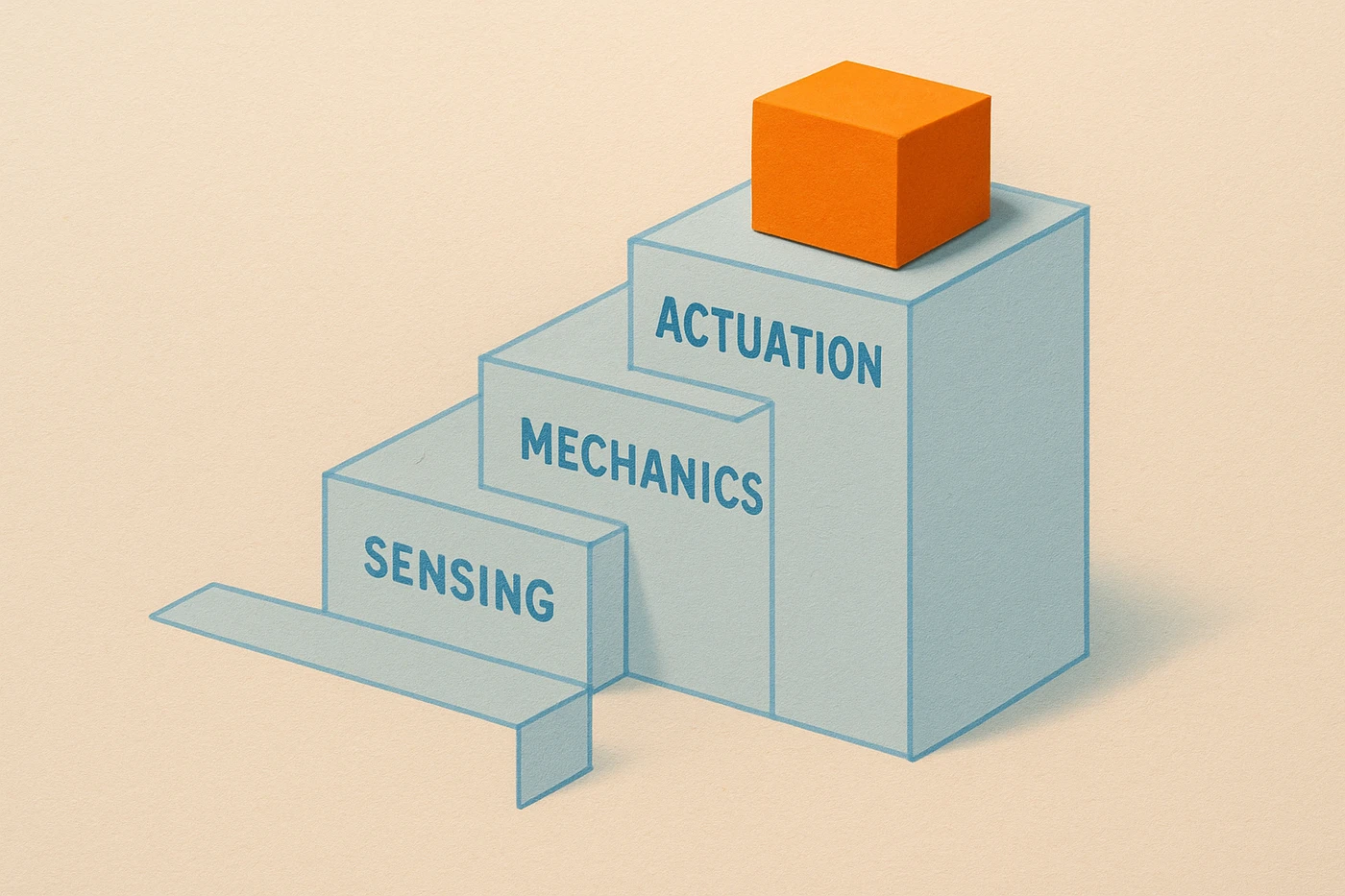
Robotics for beginners comes down to four small skills rather than one big one: sensing, which turns the physical world into data, control, which decides what to do with that data, mechanics, which holds everything in place and moves, and actuation, which is the motor that carries the decision out. As of September 2026, after 15 years building software and product, and a few years turning motors, sensors, and spare LEGO parts into small machines on my own bench, the mistake I see most often is trying to learn all four before building anything. The faster path is the opposite. Pick the smallest project that forces you to touch all four at once, badly, and get better at each one from there.
What are the four core skills in beginner robotics?
Beginner robotics comes down to four skills: sensing, which turns the physical world into data, control, which decides what to do with that data, mechanics, which is the structure that holds and moves, and actuation, which is the motor that executes the decision. A working robot needs all four at once.
That last part is the whole difficulty. Each skill is learnable on its own, and there is a good tutorial for every one of them. But a robot is not four skills sitting next to each other. It is four skills in a chain, where the weakest link decides what the machine actually does.
I came to this from software, where I could hold a whole system in my head and change any part of it in an afternoon. On a bench, the code is usually the part that works. What fails is physical: a chassis that flexes, a wheel that slips, a sensor aimed a few degrees off what you meant. Software people tend to over-invest in the one link they already know how to fix.
Where should robotics for beginners actually start?
Start with the smallest project that touches all four skills at once, not the one that teaches a single skill well. A cart that reads a sensor and turns a motor in response, even clumsily, teaches you more about the real system than a month of separate tutorials on sensors or motors.
The reason is feedback. A tutorial tells you a sensor works. A robot tells you your sensor works in your room, on your floor, with your battery half drained, which is a different and more useful fact.
There is a version of this advice that sounds like "just start," and I do not mean that. I mean something narrower: choose the project by how many of the four links it forces you to build, not by how impressive it looks. A robot arm with six joints is more impressive than a two-wheeled cart and teaches you less, because you will spend the whole build on mechanics and never reach control.
Do beginners need to learn ROS or a robotics framework first?
No. Robotics frameworks solve a coordination problem you do not have yet with one sensor and one motor. Learn the four core skills on a small project first. A framework earns its keep later, once you have several software modules that genuinely need to talk to each other and to hardware.
ROS, the open-source Robot Operating System, is what most teams standardize on when a project outgrows a single board, and it is a reasonable thing to learn eventually. It is a bad first thing to learn. A beginner who starts there spends their first month on message passing and build tooling, which is the one part of robotics that behaves exactly like the software they already know.
The four skills are where the actual novelty is. Wiring is novel. Backlash in a cheap gearbox is novel. A motor that browns out the board it is plugged into is novel, and it is a lesson you only get once.
What is a good first robotics project?
A good first project finishes in a weekend and contains one sensor, one motor, and one decision in between. An obstacle-avoiding or line-following cart is the classic beginner build for a reason: it forces you to wire a sensor, write a control decision, and drive a motor in a single afternoon-sized loop.
Here is the map I would give someone starting this weekend, with the failure that ends most first builds in each row:
| Skill | What a beginner uses | Where the weekend gets lost | Its job in the first project |
|---|---|---|---|
| Sensing | An ultrasonic distance sensor or a simple reflectance sensor | Trusting a single raw reading, then chasing a "code bug" that was sensor noise | Notices that something in the world changed |
| Control | A short read-decide-act loop on the board itself | Writing one big decision instead of a few small, testable ones | Turns "something changed" into "do this" |
| Mechanics | A flat chassis, two wheels, a caster, and real mounts | Letting the wires hold a part in place because the mount could wait | Keeps every part where the code assumes it is |
| Actuation | One small DC motor or servo, with a motor driver | Driving a motor from a board pin directly and browning out the whole robot | Turns the decision into motion |
The mechanics row is the one software people skip, and it is the row that ends most first builds. A robot whose sensor is held on with tape does not have a sensing problem. It has a mounting problem that shows up as a sensing problem, at the worst possible moment, usually right after you have rewritten the code that was already correct.
The control row is the one to spend an extra evening on. Keep the loop small enough to read out loud: read the sensor, decide, drive the motor, repeat. If you cannot narrate the loop in one sentence, you cannot debug it with a robot moving in front of you.
What tools do beginners actually need?
A microcontroller board, one cheap sensor, one small motor or servo, a motor driver, and something to mount it all on. You do not need a robotics-specific kit to start. You need one sensor, one motor, and a reason to connect them to each other.
An Arduino-class board or a Raspberry Pi Pico is the common starting point, and either is fine. The board matters much less than beginners expect, because the first project's hard parts are physical. Pick the one your local shop stocks or your friend already owns, since a friend who can look at your wiring is worth more than a spec sheet.
The mounting question is the one nobody budgets for. LEGO Technic parts are what I reach for, because holes and beams mean I can move a sensor two centimeters without cutting anything. 3D printing works too if you already print. Cardboard and hot glue work better than either for a first weekend, and I mean that seriously.
One thing I would skip early: a kit that comes with its own app, its own block language, and its own sealed way of doing things. Those get a robot moving in an hour and hide all four skills behind a wall. The point of a first build is to see the chain, not to get motion quickly.
If any of this pulls at you and you start wondering whether it is a career and not a weekend, that is a different question with a different answer, and I wrote it up in What a Robotics Software Engineer Actually Builds. The short version is that the hobby and the job share the same four links. The job adds real-time deadlines and consequences the bench does not have.
Everything I have written here assumes you will build a robot that does something small and slightly disappointing. That is the goal. A first build's real job is to show you which of the four links is weakest on your bench, and in my experience that answer is almost never the code.